
Hey there and welcome to my UI / UX page!
I designed this with the goal of giving you the best high-level overview of each project first - so there's a brief write-up below each slideshow / banner explaining what the design is, followed by a decicated "project overview" document and research plan. Additionally, you will see both the low-fidelity (B&W) and high-fidelity (full color) mockups that I produced before designing the final product.
When ready, you may click on each of the banner images / slideshows to take you directly to the prototypes in Figma.
 Lorenzo's Mobile Takeout AppItalian takeout application |
|---|
In my UX class, the first major project was to produce a mobile app to address user pain points, discovered through research. My project involved the creation of a mobile-ordering app for an upscale Italian restaurant by the name of Lorenzo's. Below are documents outlining the project background, as well as viewable GIFs showcasing the low-fidelity & high-fidelity designs. The goal was to design a specific number of screens and have a functional "new user" signup flow. As you can see, users have the option of "quick-ordering" at the top of the homepage.


Project #2: SELECT (Streetwear Storefront)
 SELECT Responsive Clothing Store |
|---|
The second major project focused on a responsive website. For this, I decided to concept a brand called "SELECT" -- a limited supply streetwear clothing brand aimed at sustainability and addressing the issues posed by fast-fashion brands. Through an intensive restoration process of used sneakers and through rebuying offloaded clothing from popular brands, the goal is to foster a more positive environmental footprint with clothing.


Project #3: Speakeasy (Speech Preparation & Support)
 Speakeasy Brand LogoSpeech prep & support |
|---|
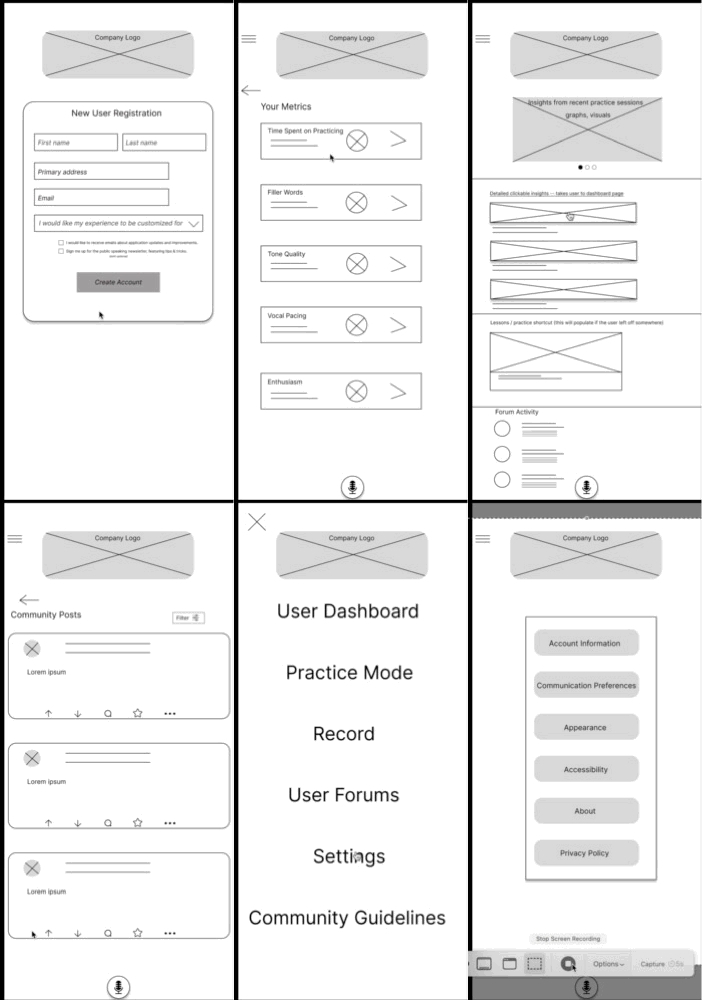
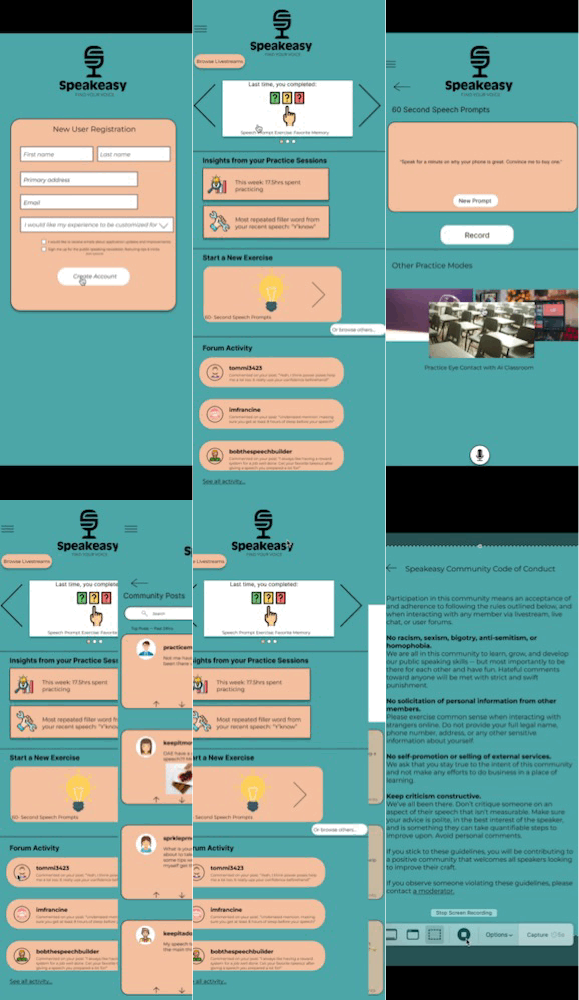
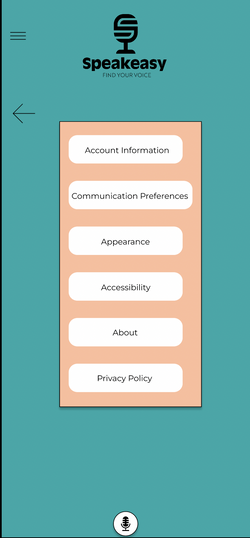
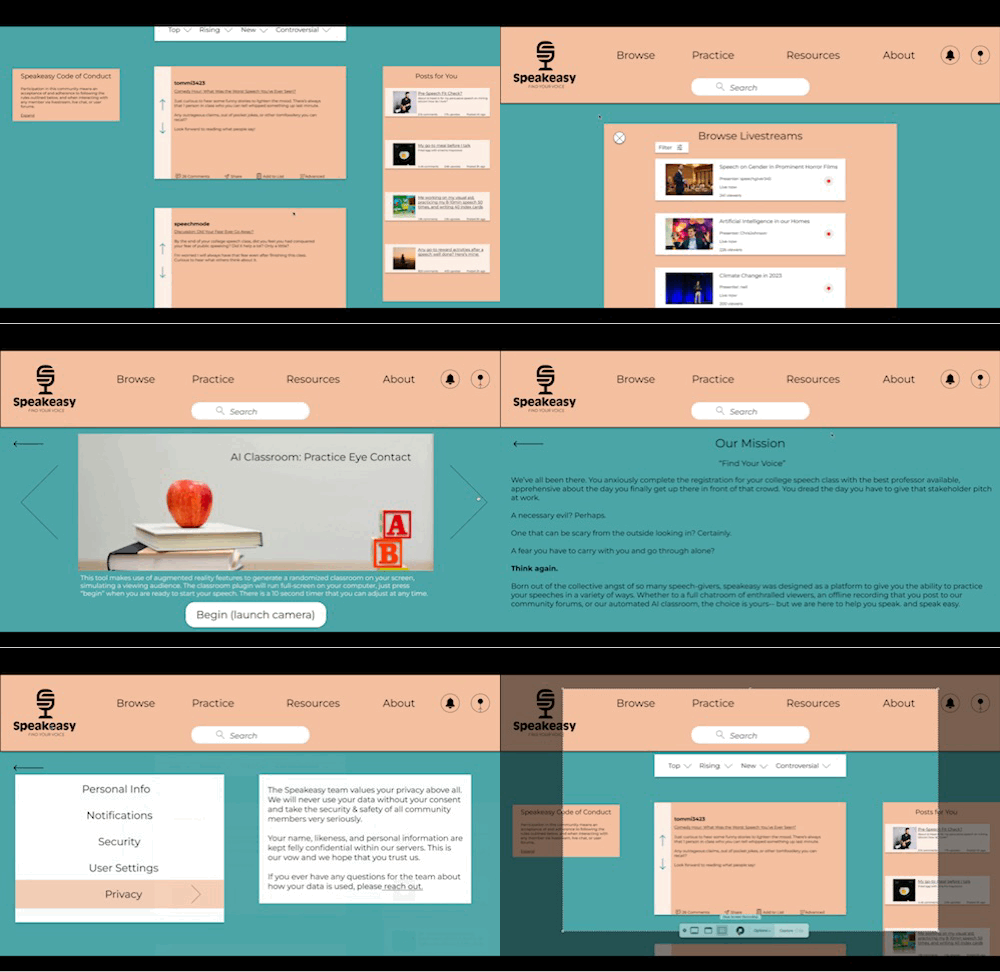
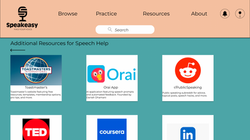
The third project centered around designing an application for social good. I immediately resonated with the idea of creating a site / app for speech preparation & support. There are topical forums for users to post on, along with a livestreaming feature designed to garner live feedback as users deliver speeches and practice. As someone who got very anxious about giving speeches, I am very proud of this project.
The last project involved designing an app for social good. I immediately identified with the idea of designing an all-in-one solution for people to develop their public speaking skills.
I've been there before, shaking and trembling in front of that crowd. I designed this experience in hopes that people who suffered in the way I did would find it useful.
Case study outlining design process from start to finish and what was refined after a series of usability studies.
Research plan outlining methodology, timeline, and research questions / objectives.
 |  |  |
|---|---|---|
 |  |  |
 |  |  |
 |  |  |
 |  |  |
 |  |  |
 |  |  |
 |  |  |
 |